
Formula Legends
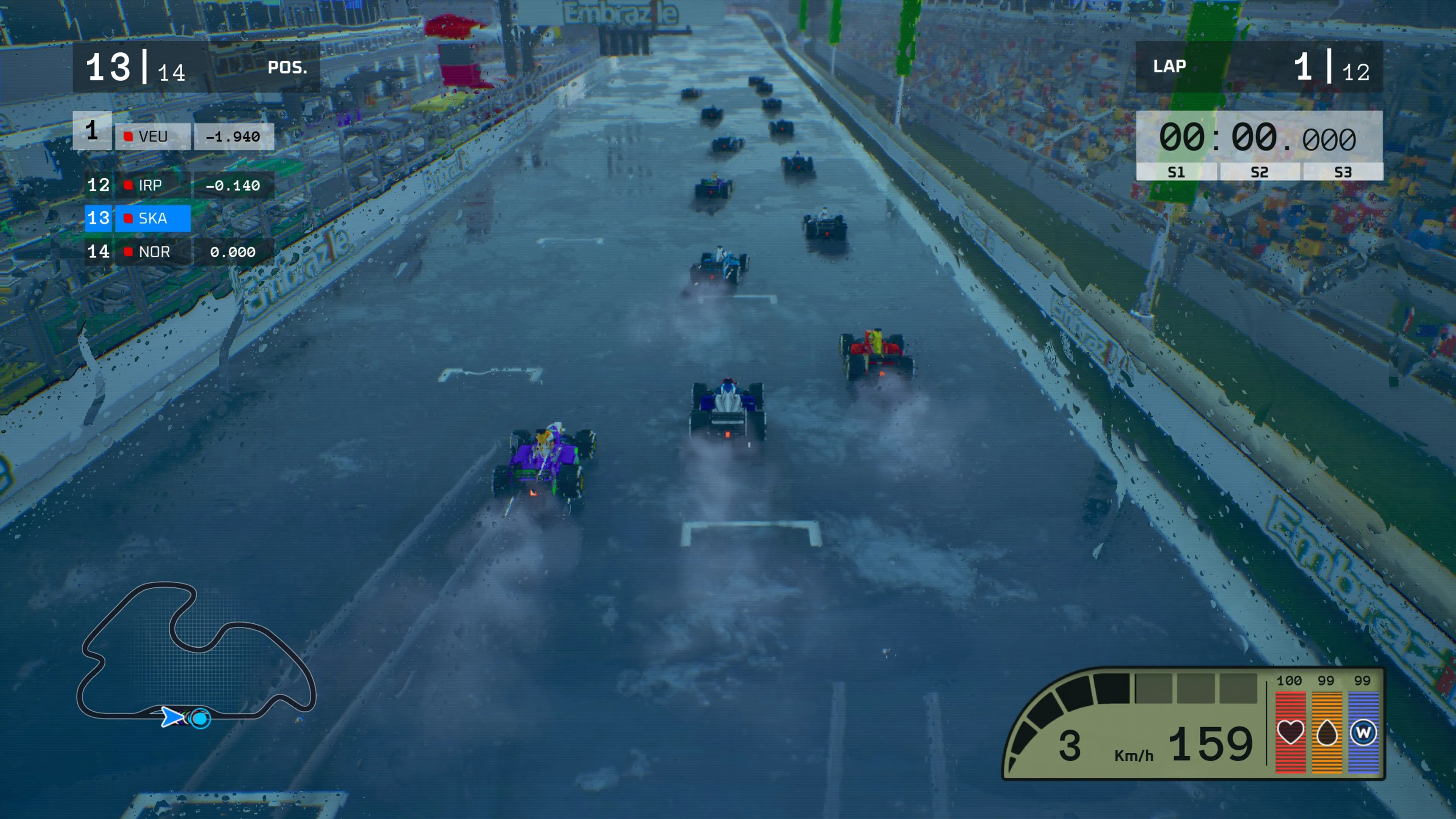
Race through time in Formula Legends with legendary cars and circuits.


Race through time in Formula Legends with legendary cars and circuits.

About the game
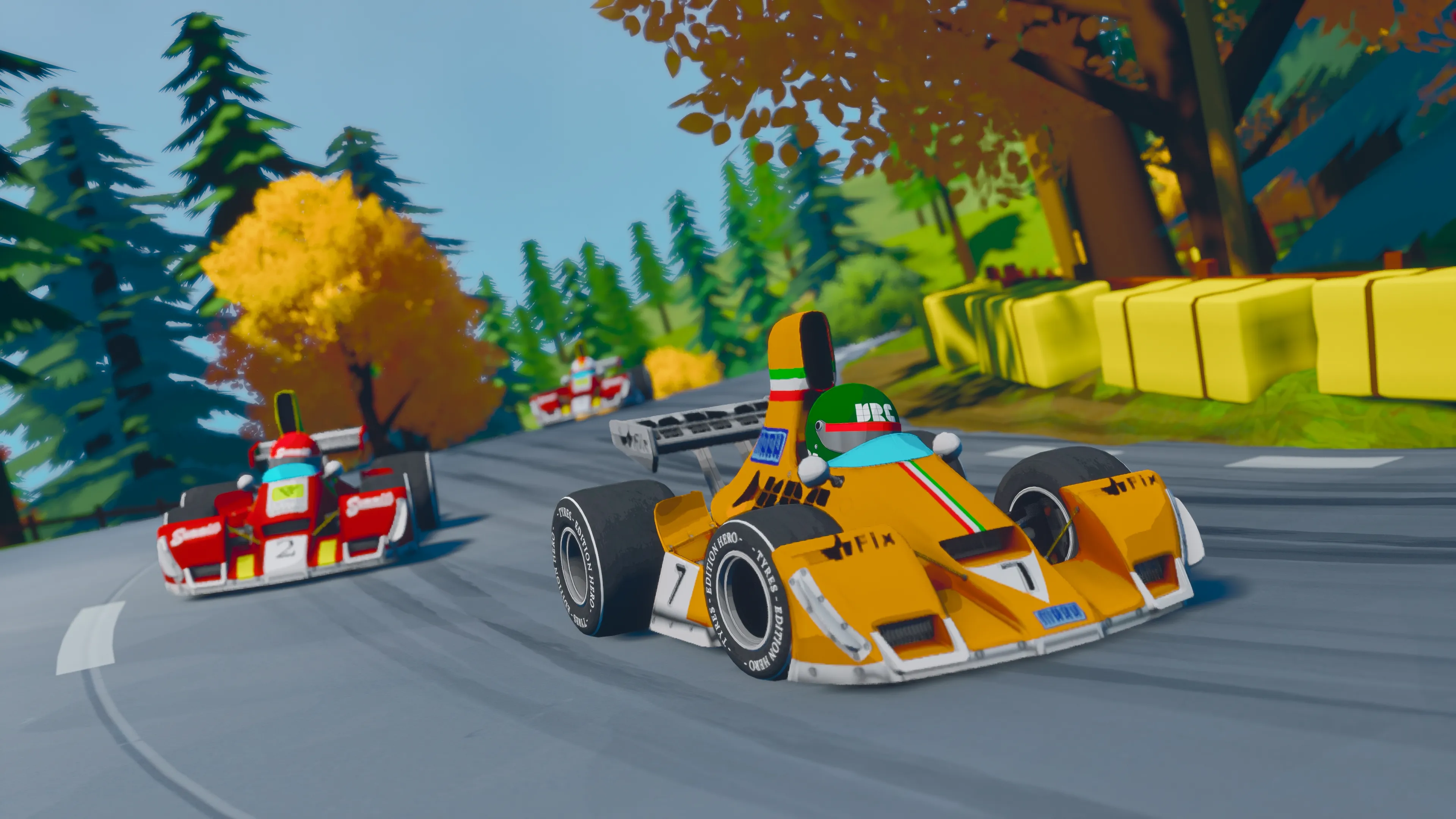
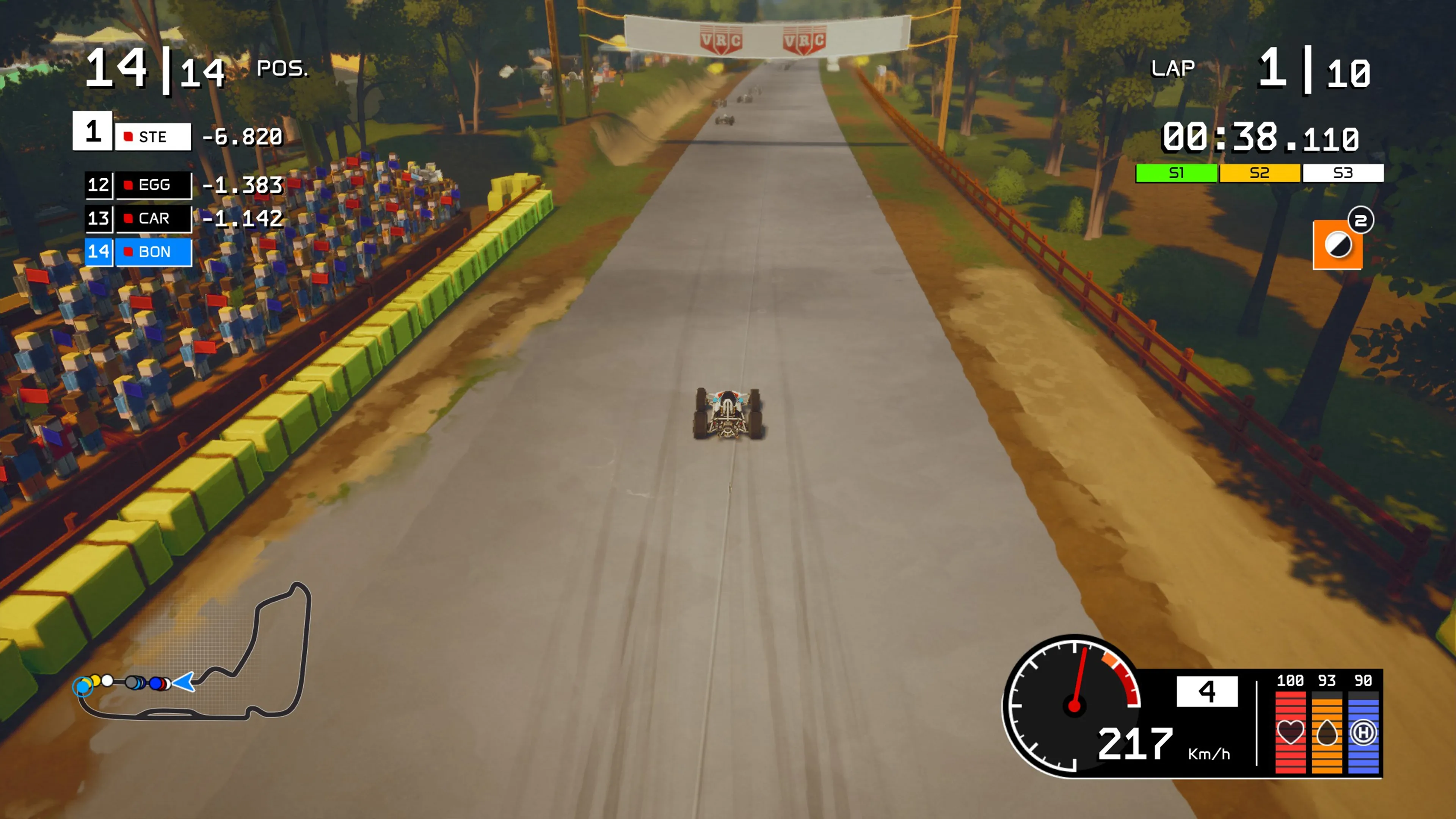
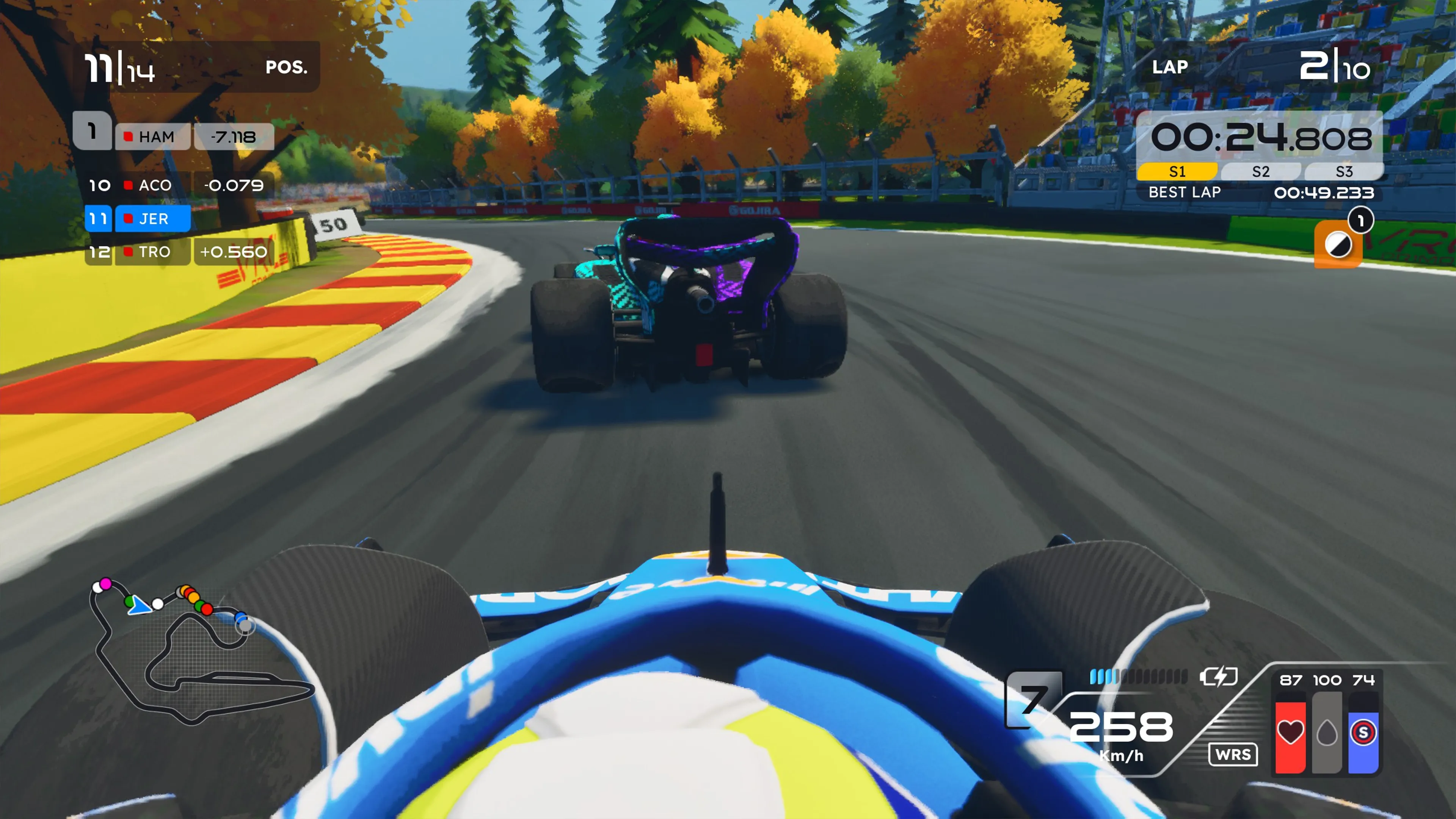
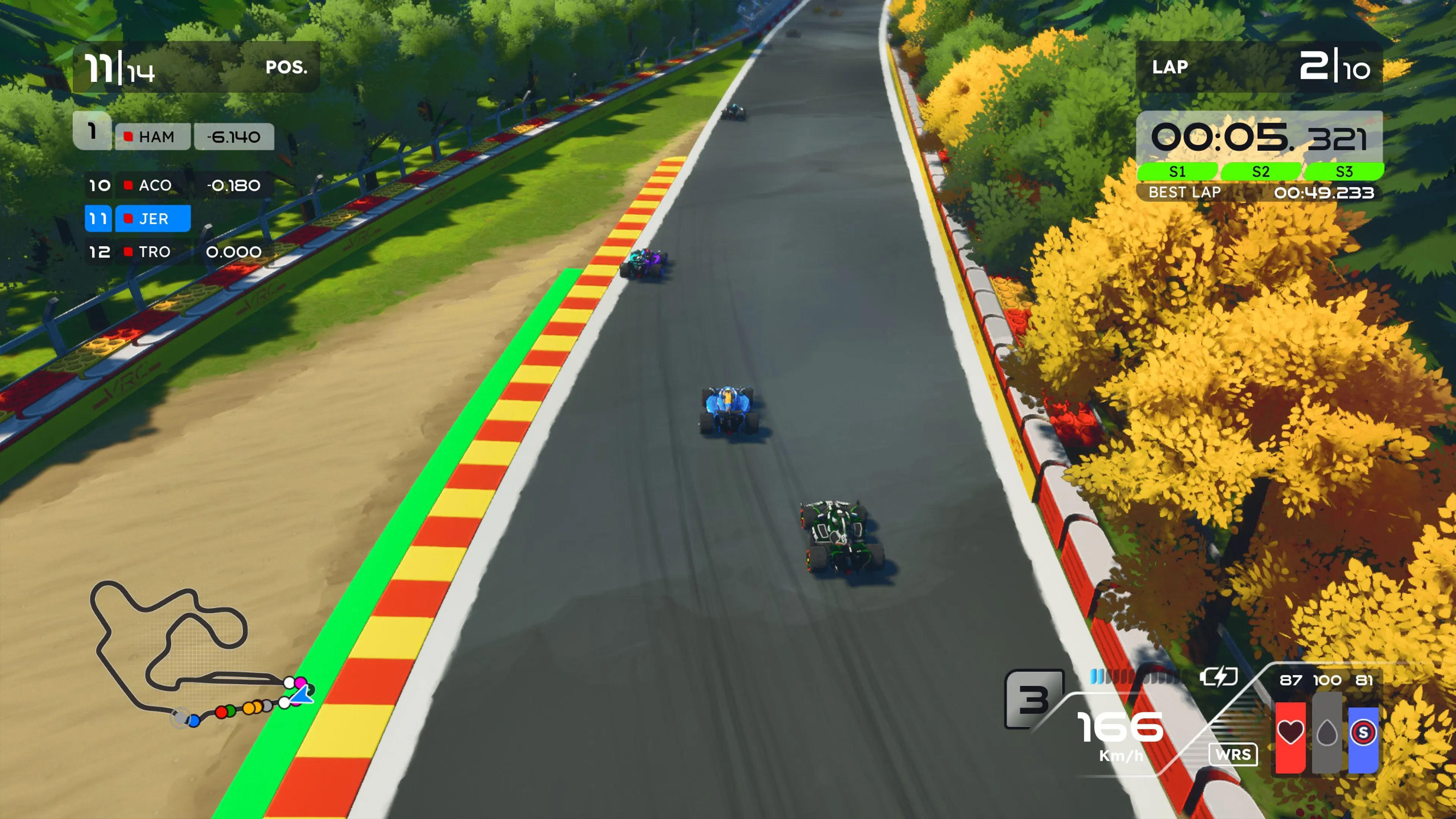
Formula Legends takes you through racing’s most iconic eras, from the ’60s to modern open-wheel machines. Drive 16 legendary cars and race 14 reimagined circuits, mastering rain, pit strategy, and evolving eras. Compete against fictional drivers inspired by legends, each with unique skills, and relive historic moments in Story Mode, carving your name into motorsport history.
Official store
Trusted. Transparent. Reliable.
Secure payment
Only verified payments methods


To activate a CD key on Steam, follow these steps:
i. Launch the Steam client on your computer and log into your Steam account. If you don't have Steam installed, you can download and install it from the official Steam website.
ii. Click the Games menu option at the top of the Steam client.
iii. Select Activate a Product on Steam.
iv. Follow the onscreen instructions to complete the process.
v. Once the game appears in your library, download and install it by clicking on it and selecting the Install button.
If you encounter any issues during activation, please see this Retail CD Keys article for more info. If problems persist, you may contact Xsolla Customer Support at Xsolla Help Center.
Interface: English, French, Italian, German, Spanish - Spain, Japanese, Korean, Polish, Portugese - Brazil, Simplified Chinese, Traditional Chinese, Arabic, Dutch
Full Audio: English
Subtitles: English, French, Italian, German, Spanish - Spain Japanese, Korean, Polish, Portugese - Brazil, Simplified Chinese, Traditional Chinese, Arabic, Dutch
If you have any issues with your purchase, please email us at support@xsolla.com or simply click on the customer support button located on the bottom left of the homepage to start a live chat. In rare cases, it may take up to a few minutes for emails from Xsolla Mall to deliver.